Appearance
Your first vault
A vault is a folder. Point Halcyon at any directory and it indexes the .md files inside it. There's no import, no conversion, and nothing new in the folder afterwards.
That works two ways round, and both are worth trying:
- A folder you already have. A directory of notes from Obsidian, a
notes/repo, the markdown scattered through a project. Halcyon reads it as it is. - A folder you make now.
mkdir ~/notesand open that.
Opening one
On first launch you get an empty window with two buttons:
- Open a folder… opens it as a vault, with the sidebar, note list and editor.
- Open a file… opens a single
.mdfile in a window of its own.
Both have shortcuts you'll want quickly:
| Keys | What opens |
|---|---|
| ⌘⇧O | A folder, as a vault, in the window you're in |
| ⌘O | A file, in a window of its own |
| ⌘⇧N | A new empty window |
Once you've opened things, that same empty window lists them under Recent vaults and Recent files, so the second launch is one click.
Note
Halcyon indexes .md files and nothing else. Images, PDFs and .txt files in the folder are left alone. They aren't deleted, moved, or listed.
Making your first note
Press ⌘N. Halcyon asks for a title, and the title becomes the filename: Halcyon Sync gives you halcyon-sync.md.
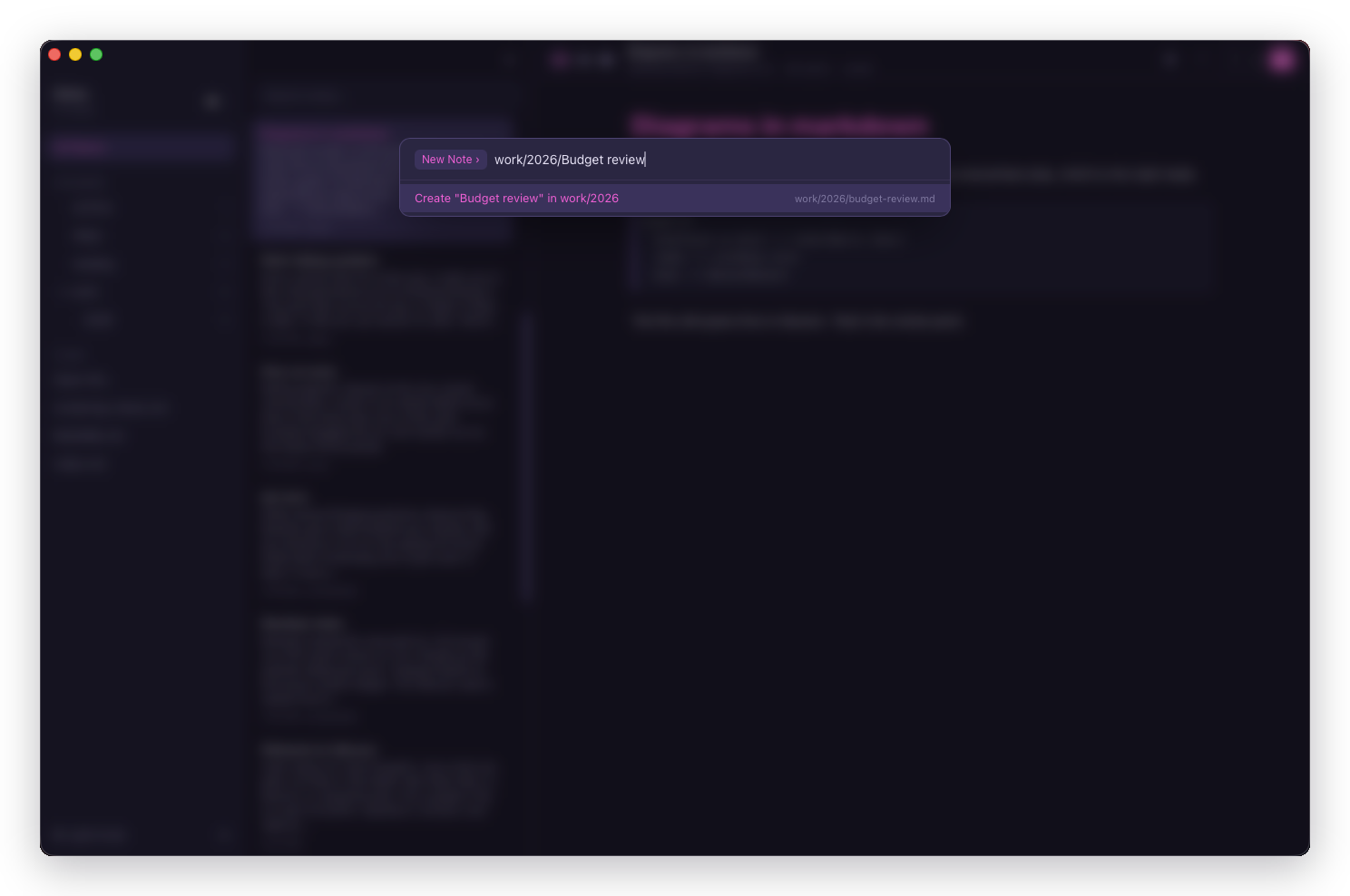
Type a path and you say where it goes at the same time:
work/2026/Rust CLIThat creates work/2026/rust-cli.md, making the work and work/2026 folders if they aren't there yet.
Now type something. Halcyon saves on its own a beat after you stop, and ⌘S saves immediately if you'd rather not wait. The delay is adjustable in Settings.
What Halcyon put in your folder
Nothing. Open the folder in Finder or a terminal and it holds exactly the markdown files you'd expect, in the folders you put them in.
The search index lives outside the vault, in ~/Library/Application Support/co.themillers.halcyon/, and it's disposable: delete it and Halcyon rescans the folder on the next launch. See Where your files live.
This is the whole design commitment, and it's what makes the next paragraph true.
Editing the same vault somewhere else
Open a note in Neovim while Halcyon is running, write it, and the note list updates on its own. An edit made somewhere else is an ordinary event here, not a conflict.
The same holds for the folder tree. The sidebar shows the directory tree on disk, read fresh rather than stored, so mkdir ~/notes/archive in a terminal appears in the sidebar and an empty folder still counts as a folder.
Important
One case needs care in both directions: moving or renaming a file while another editor holds it open. Neovim remembers the old path, so its next :w recreates the note you just moved away from. Halcyon can't see another editor's buffers, so it can't prevent this, but it does watch for it: a file reappearing at a path this window moved raises a conflict notice naming both copies rather than quietly indexing a second note.
Where to go next
- The three panes explains the window you're now looking at.
- The editor covers rich markdown and the three view modes.
- Notes and folders covers renaming, moving, pinning and deleting.